
Adventure is better together.

A gaming companion with personality
A little company.
A lot of character.
Meet Wizbert, an AI game companion app. An old wizard with a warm heart, a dry wit and a few opinions about your questionable decisions. He brings conversation and a little company to your Mac, alongside the games you already play. You bring the adventure. He brings the beard.
What a desktop AI game companion meansAn early desktop release for Mac. The animation above illustrates Wizbert’s character; it is not a recording of the app.

Your wizard. Your desktop.
Bring Wizbert
along for the adventure.
A little company for your games and everyday desktop adventures.
Download for macOSApple Silicon · macOS 14 or later
An existing Wizbert account is required.
Unsigned release · Not notarized by Apple. If macOS blocks opening it, see Apple’s first-launch instructions.
Open the downloaded DMG and drag Wizbert into Applications. Check for updates from the Wizbert menu, then install the newer DMG manually.
Alongside the games you already play
Your game.
A little company on the side.
Keep playing your own games. Wizbert is an extra app: an old wizard with a voice, a few opinions and optional hints.
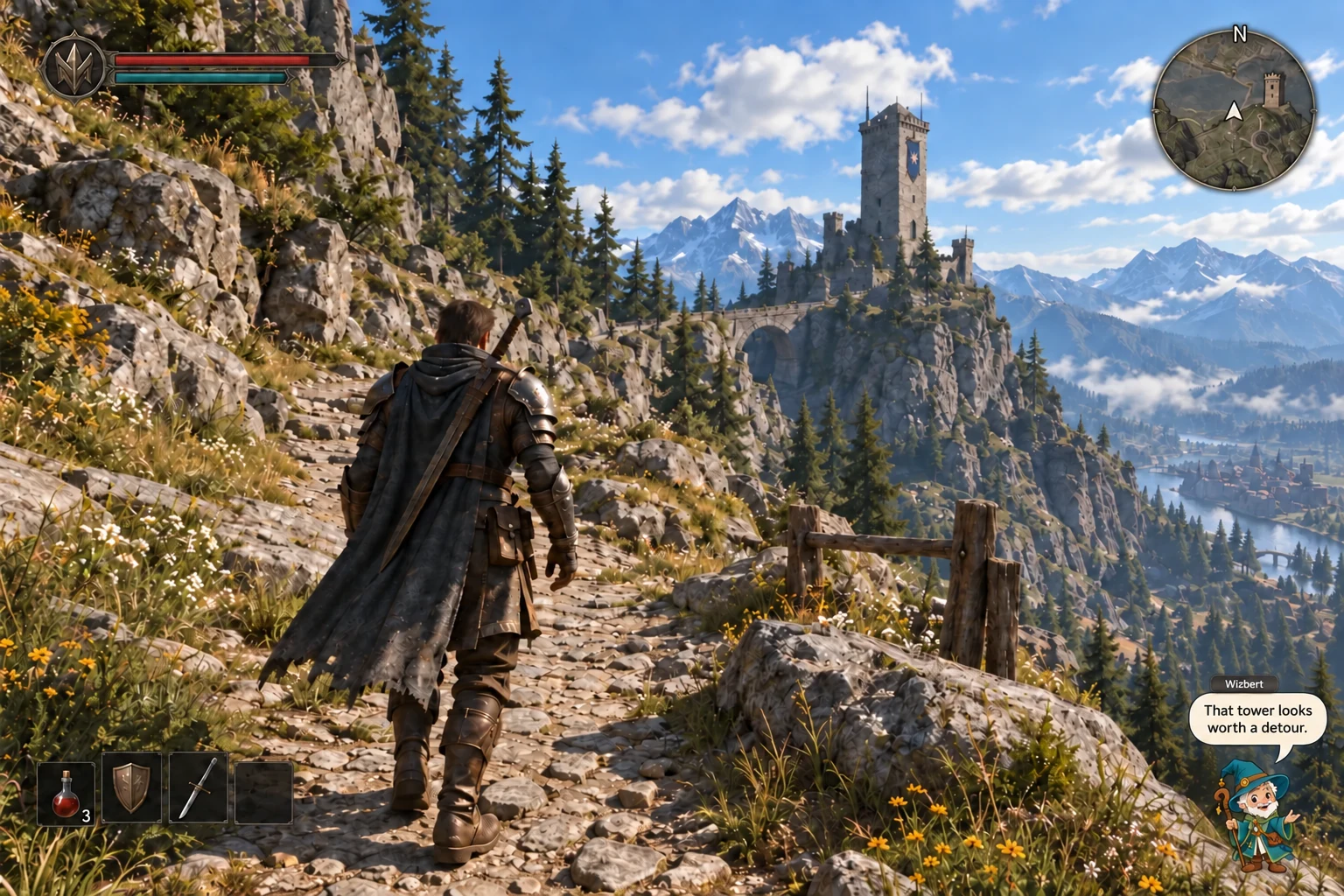
On your Windows PC.
Your game fills the screen. Wizbert sits over it in a separate companion overlay, adding voice and text while you stay in control.
Illustrative mockup, not a software screenshot. The current download is for Apple Silicon Macs; Windows is a future concept and is not available. The game shown is fictional. Select the image to enlarge.
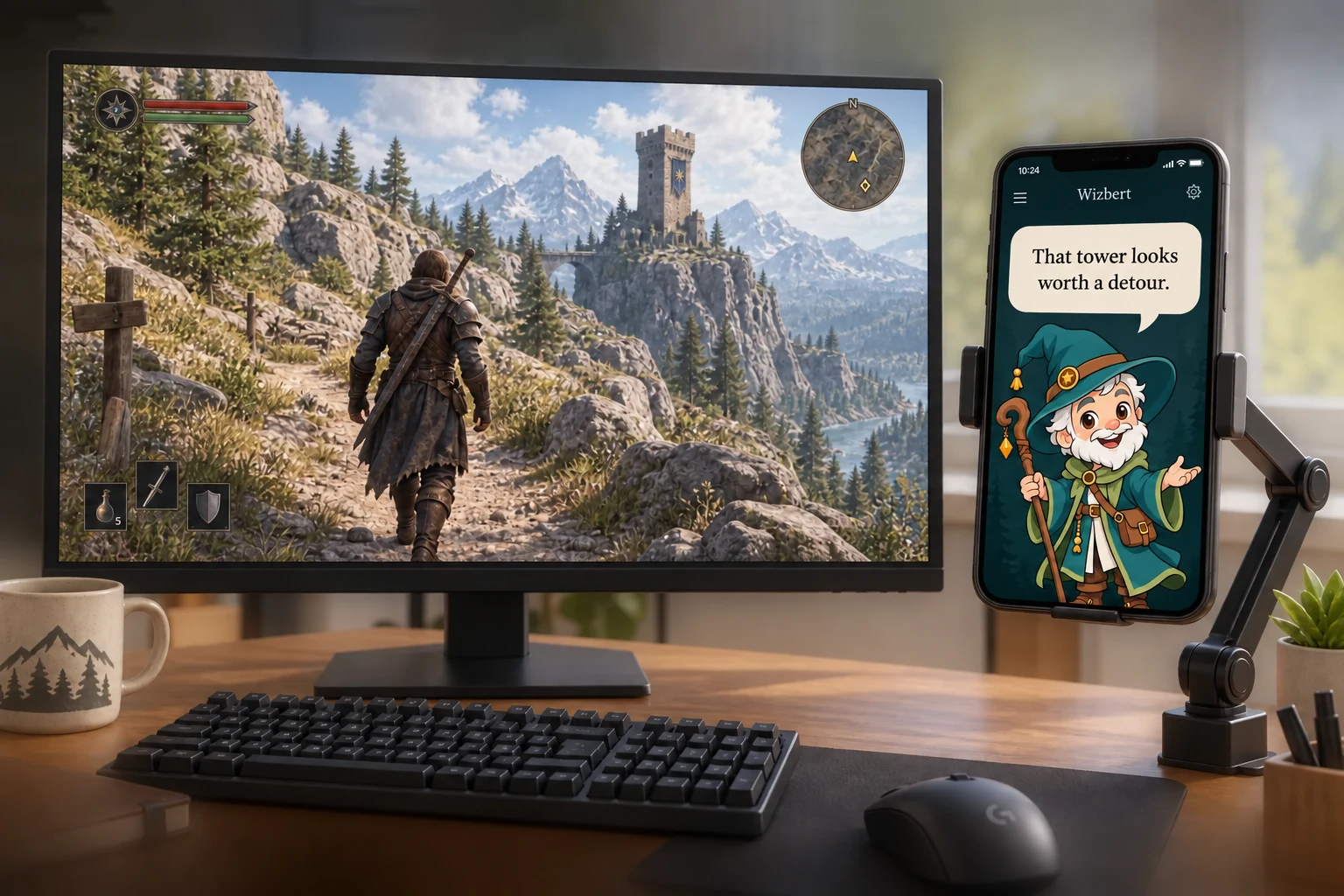
Or give him a seat beside you.
We're also exploring a phone companion display. Put your phone in a mount beside the monitor and keep the wizard and his captions there instead.
The game stays on your PC. Its permitted connection would supply the context; the phone would show the companion's response.
Illustrative mockup. A mobile version, pairing method and iOS/Android support are not confirmed. Caption shown: “That tower looks worth a detour.”
How would he know what's happening?
A connection, not a crystal ball.
- 01 / YOUR GAMEYou play as usual.
A supported game may make some information available, such as a quest name or an event.
- 02 / A PERMITTED CONNECTIONOnly the context allowed.
Depending on the game, that could come through an official API—an interface for other apps—or an allowed plugin/add-on.
- 03 / WIZBERTA reaction, or a little help.
The plan is to turn that context into voice and text, on your desktop or the optional phone display. You make every game input.
We work with what a game allows. Each connection and its intended use must be checked against the game's rules. No bypassing anti-cheat or access restrictions; if we can't establish a permitted connection, we won't offer that integration.
No connection sees everything. If information is missing, Wizbert should ask you or keep its comments general. Before connecting, you should be able to see what it reads and what leaves your device. These are design commitments; no integration is available yet.
Games and connection limitsTry Wizbert’s moods
A little help.
With opinions.
A made-up quest to try the dialogue choices. We’re building the companion, not this game. This scripted scene does not read a real game.
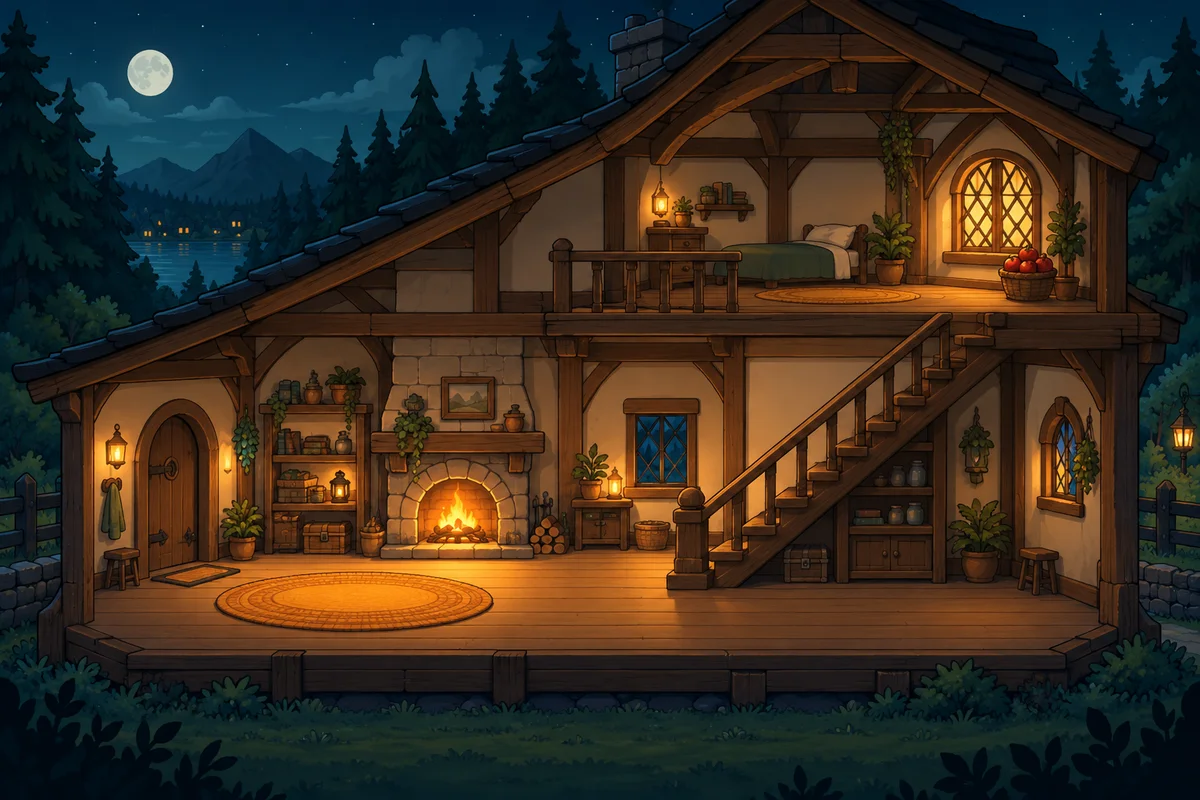
Searching the cottage

“We've given this rug a very thorough investigation.”
Text example · Old adventurerTry the planned preferences. These choices change this script only; nothing is saved.
Read the scene script (includes the solution)
- The player searches the cottage. Wizbert says: “We've given this rug a very thorough investigation.”
- The player asks for a hint. With a nudge selected: “Try upstairs. Apples rarely improve with this much discussion.” With no hints, the companion offers moral support. An exact hint identifies the basket beside the upstairs window.
- The player takes the stairs and finds the apples. “There we go. A triumph for staircases.”
The narrator and wingman options are different moods of the same wizard. All lines are authored examples. Voice output is planned; this demo has no audio.
What we're building
Good company.
On your terms.
For the small moments that make a session yours.
Company with character.
Wizbert has seen a few things. He'll celebrate your victories, grumble about the detour and stay for one more quest. A familiar friend, with a mood to suit yours.
Hints when you want them.
Sometimes you want a nudge. Sometimes you want to figure it out yourself. Optional guidance and spoiler preferences are part of the plan.
A voice that knows when to stop.
A good comment can make a moment. So can a little silence. We're designing voice, captions and interruption controls together.
Your adventure. Your inputs.
You play.
We'll bring
the personality.
The first product is being designed as a separate overlay, with commentary and optional guidance through supported game connections.
You make the decisions and perform every game action. No automatic inputs, game-account login or unattended play.
How it worksA familiar face in unfamiliar places
More adventures.
One familiar face.
New worlds, same old wizard. We're exploring how Wizbert can join you across different games, one tested connection at a time.
Available for Apple Silicon Macs on macOS 14 or later. Windows, Intel Macs and game-specific integrations are not available.
Games and compatibilityA few fair questions
Before you
pack your bags.
Can I use it now?
An early macOS release is available above for Apple Silicon Macs. You need an existing Wizbert account; public signup is not available yet. The website demo is an authored illustration.
Will it play for me?
No. The planned companion comments and offers optional guidance. You control your character and take every action.
How does it get information from my game?
The current app uses the messages and optional screenshots you share. Screenshots can include all connected displays. Game APIs and add-ons are future plans; no game integration is included. How game context would work.
Can I keep the companion on my phone?
That's a secondary concept we're exploring: your PC runs the game, and a mounted phone displays the wizard and his captions. A mobile version and supported phone platforms are not confirmed.
Which games will work?
Wizbert runs alongside your games or ordinary desktop on Apple Silicon Macs. No game-specific integrations are included; exclusive fullscreen compatibility is not promised. See Games and compatibility.
Will it have a voice?
Spoken reactions are central to the plan, with text available too. Two-way microphone input is not confirmed. This website demonstrates the idea in text.
Good company starts with hello
Every adventure needs
a Wizbert.
A little wiser. A little grumblier. Always on your side.
Meet WizbertAn early companion for your Mac.